
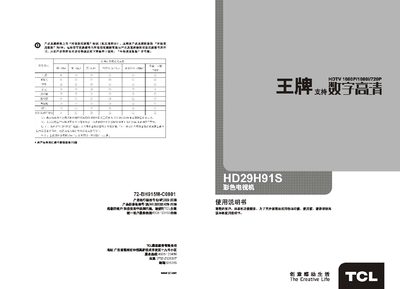
This manual explains how to install, set up, and operate the TCL HD29H91S color television. It includes safety warnings, a description of the remote control, and step‑by‑step instructions for basic and advanced functions.
The guide also lists technical specifications, explains picture and sound adjustments, and provides troubleshooting tips for common issues such as no picture or no sound. This manual is written in Chinese.
| Rated voltage | 220V~50Hz |
|---|---|
| Power consumption | 120W |
| Screen size | 10 inches diagonal |
| Dimensions (W×H×D) | 785 x 444 x 599 mm |
| Weight | 40 kg |
| Reception band | 470 MHz full‑channel cable TV |
Press the “信号” key on the TV or remote to open the source menu, then use the “节目增/减” keys to select the desired input such as video1, video2, computer, etc.