
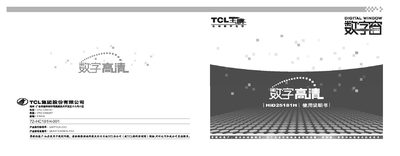
This manual provides step-by-step instructions for operating the TCL HID25181H digital HD television. It covers power on/off, channel selection, signal input configuration, and menu navigation. The TV supports HDTV and DVD formats with multiple input options including YPbPr, RGB, and composite video. It also includes features like automatic channel search, manual tuning, and picture adjustment.
The manual includes diagrams for connecting external devices and explains how to use the remote control. It details settings for audio output, video input, and picture calibration. Safety warnings and technical specifications are also provided, including supported video formats and power requirements. This manual is written in Chinese.
| Audio Output | RMS <10W |
|---|---|
| Power Supply | 165V-250V 50Hz |
| Screen Size | 58cm diagonal |
| Resolution | 1920x1080i @ 60Hz |
Connect devices using the AV1, AV2, or HDMI ports. For HDTV and DVD, use the YPbPr or RGB inputs. Video and audio outputs are available via RCA and composite cables.
Use the "节目/生" button on the remote or the TV panel to switch channels. You can also manually search for channels using the "手动近台" option.
The TV's power consumption is not specified in the manual, but it operates on 165V-250V 50Hz.
Use the "菜单" button to access the menu. Navigate to "节目 了/生" and select "音量 吕/ " to adjust picture settings. You can also use the "音量二/ie" button to adjust brightness and contrast.