
This manual describes the functions and operation of the Altivar 61 Water Solution Control Card, including hardware setup, Water Solution program features introduction, Water Solution screen navigation, pre-configuration, parameter descriptions, etc.
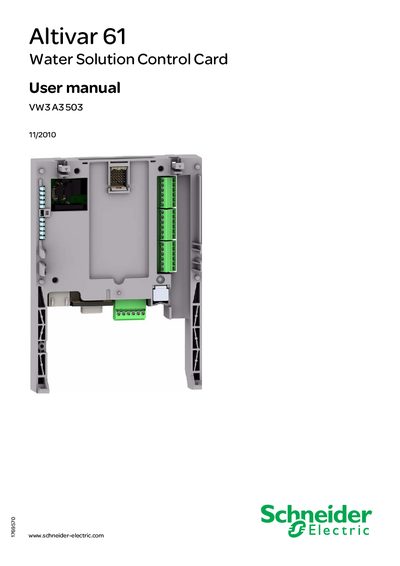
The manual provides safety instructions, installation guidelines, and detailed descriptions of the Altivar 61 Water Solution Control Card. It explains the hardware connections, power requirements, and the function of each terminal and indicator.
It also includes a complete guide to the Water Solution program, screen navigation, pre‑configuration steps, parameter reference, and a configuration record for documenting settings.
| Power supply voltage | 24 V |
|---|---|
| Logic inputs | 6 |
| Logic outputs | 6 |
| Analog input range | 0 … 20 mA |
| Analog output range | 0 … 20 mA |
| Number of LEDs | 5 |
| Configuration switches | 4 |
The manual uses the symbols DANGER, WARNING and CAUTION to indicate hazardous situations.
You must wait 15 minutes before checking that the DC bus voltage is below 45 VDC.
The catalog number is ABL7 RE 24 02.