
Key facts
- Manuals
- 22
- Languages
- EN · ZH · JA
- Last added
- 2012-03-21
Featured Altivar manuals
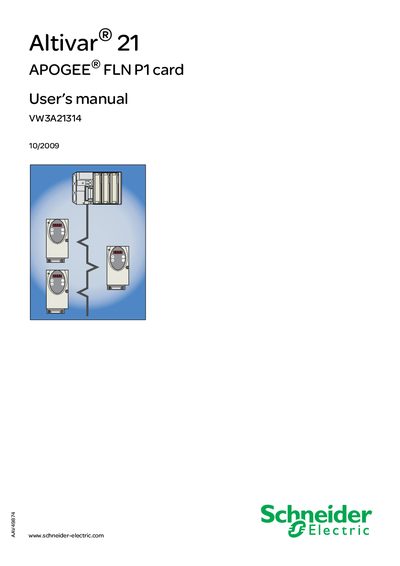
Schneider Electric Altivar 21 APOGEE FLN P1 Card User Manual
This manual provides safety instructions, hardware setup, and configuration details for the APOGEE® FLN P1 option card used with an Altivar 21 drive. It covers installation steps, wiring, RS‑485 communication, and the integrated HMI functions.
The document also describes network objects, predefined reports, and troubleshooting guidance, ensuring qualified personnel can safely install, operate, and maintain the card and drive system.
Covers: Important Information · Before you begin · Introduction · Documentation structure · Hardware setup · Installing the card in the drive
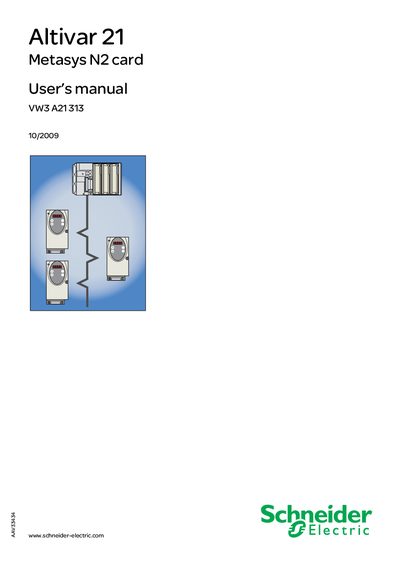
Altivar 21 BACnet card VW3 A21315 User manual
This manual provides instructions for installing the Metasys N2 option card (VW3 A21313) into an Altivar 21 variable‑speed drive. It covers safety precautions, hardware description, wiring recommendations, and the use of the RS485 communication port.
The document also details configuration steps via the integrated HMI, explains network objects, and lists supported functions such as time synchronization, status updates, and indirect parameter access. Safety warnings and liability statements are included throughout.
Covers: Important Information · Before you begin · Introduction · Documentation structure · Hardware setup · Connecting to the bus
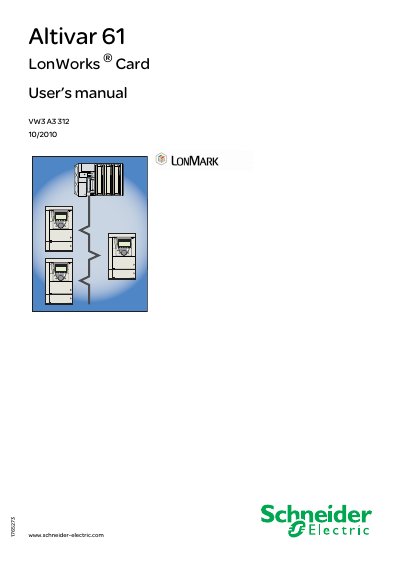
Schneider Electric Altivar 61 LonWorks Card User Manual
The Altivar 61 LonWorks Card adds LonWorks® network communication to the Altivar 61 variable‑speed drive. This manual explains how to install the card, connect it to a LonWorks bus, configure communication parameters, and use the provided network variables for control, monitoring and diagnostics.
Safety precautions are emphasized: power must be removed and the DC bus capacitors allowed to discharge for at least 15 minutes before any service work. Additional resources, including LonWorks resource files and plug‑in software, are available from the Schneider Electric website.
Covers: Important information · Before you begin · Introduction · Hardware setup · Connecting to the bus · Configuration
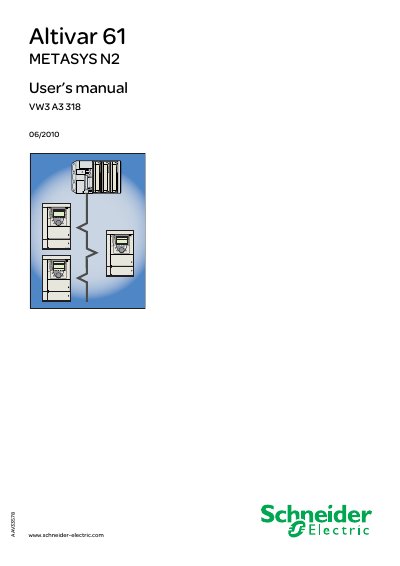
Schneider Electric Altivar 61 METASYS N2 User Manual
This manual provides installation, configuration, and operation instructions for the METASYS N2 option card (VW3 A3 318) used with the Schneider Electric Altivar 61 variable‑speed drive. It covers hardware setup, wiring, communication parameters, diagnostics, and network objects.
The document also includes safety warnings, quick‑start procedures, and detailed tables of analog and digital network objects that can be accessed via the Metasys N2 network, enabling control, monitoring, and fault management of the drive. This manual is written in Chinese.
Covers: Important Information · Before you begin · Introduction · Quick start · Hardware setup · Connecting to the bus
Latest Altivar manuals
Schneider Electric Altivar 21 APOGEE FLN P1 Card User Manual
User Manual 33 pages · 1.3 MB · ENUser manual for the Schneider Electric Altivar 21 drive APOGEE FLN P1 communication card.
Altivar 21 BACnet card VW3 A21 315 User manual
Altivar 21 BACnet card VW3 A21315 User manual
User Manual 23 pages · 999 KB · ENUser manual for the Schneider Altivar 21 VW3 A21313 Metasys N2 communication card, covering installation, wiring, and configuration.
Schneider Electric Altivar 61 LonWorks Card User Manual
User Manual 54 pages · 923 KB · ENUser manual for Schneider Electric Altivar 61 LonWorks Card, covering installation, bus connection, configuration, diagnostics and network variables.
Schneider Electric Altivar 61 METASYS N2 User Manual
User Manual 35 pages · 1.2 MB · ZHUser manual for the Altivar 61 drive with the METASYS N2 communication option card.
Schneider Electric Altivar 61 Water Solution Control Card User Manual
User Manual 105 pages · 1.2 MB · ENUser manual for Schneider Electric Altivar 61 Water Solution Control Card, covering safety, hardware setup, programming and parameters.
ALTIVAR VW3 A9 642...643 Manual
This document describes the features and characteristics of models such as Altivar AAV57486 - 02 02 - 2009 1/4 VW3 A9 642 and 643 VW3 A9 642 VW3 A9 643 ATVp1H U22Y . D30Y ATVp1H D37Y . D90Y VW3 A9 643 VW3 A9 642 AAV5748602.
Schneider Altivar VW3 A9 653/654 User Manual
User Manual 2 pages · 1.2 MB · ENSchneider Altivar VW3 A9 653 and 654 manual provides torque ratings and physical dimensions for the drives.
Altivar VW3A9650...652 Manual
This is a list of parts for an Altivar frequency inverter
Altivar VW3 A9 506...509 Manual
User Manual 6 pages · 3.4 MB · ENUser manual for Schneider Electric VWS3 A9 variable frequency drives covering models 506‑509.
Schneider Altivar VW3 A9 503/504/505 User Manual
User Manual 6 pages · 3.8 MB · JAUser manual for Schneider Altivar VW3 A9 503, 504, and 505 variable frequency drives, including dimensions and specifications.
Altivar VW3 A9 106/107/108/117 Manual
User Manual 4 pages · 1.8 MB · JAThis manual provides installation, operation, and technical data for Schneider Electric Altivar VW3 A9 variable frequency drives (models 106, 107, 108, 117).
Altivar VW3 A9 101...105 Manual
This document is about the dimensions of the ATV71 series products
Altivar VW3 A3 20./3../5.. Manual
This document describes the features and characteristics of the Altivar variable frequency drive products in the VW3 A3 and W9 series.
Altivar VW3 A5 201...214 Manual
Datasheet 4 pages · 677 KB · JAThis Schneider datasheet lists current and power ratings for the VW3 A5 series models 201‑214.
- 1
- 2
Which document do I need?
User Manual
Day-to-day operation, settings and troubleshooting. Start here if the product is already set up.
Datasheet
Ratings, dimensions and ordering codes, for selection and design work.
Installation Guide
Mounting, wiring and first power-up. Read it before the hardware goes in.
Questions answered in Altivar manuals
What firmware version is required for the APOGEE FLN P1 card?
The card is fully supported with firmware version V1.8E04 or later on the Altivar 21 drive.
From: Schneider Electric Altivar 21 APOGEE FLN P1 Card User Manual
How many predefined reports can the APOGEE FLN P1 card generate?
It can generate six predefined reports.
From: Schneider Electric Altivar 21 APOGEE FLN P1 Card User Manual
What is the maximum number of devices allowed on a Metasys N2 network segment?
Up to 32 devices can be connected per segment.
What is the maximum cable length for the Metasys N2 network?
The network can support cable lengths up to 4200 m.
What safety steps must be taken before servicing the Altivar 61 drive?
All power must be disconnected and a 15‑minute wait is required to allow the DC bus capacitors to discharge before any service work.
From: Schneider Electric Altivar 61 LonWorks Card User Manual
How is the LonWorks card connected to the network?
The card uses an open‑style 3‑pin connector and can be wired in free, bus, loop or star topologies.
From: Schneider Electric Altivar 61 LonWorks Card User Manual