
This document provides installation and usage instructions for the SyncMaster 720TD monitor, including safety requirements for human and device, as well as precautions for installation, cleaning, and usage.
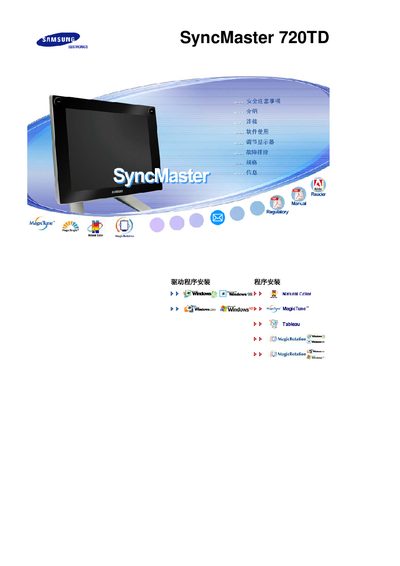
This manual covers safety precautions for the SyncMaster 720TD monitor, including proper grounding, handling of power cords, and environmental restrictions. It also explains how to install the monitor, connect cables, and use optional accessories such as a Wacom tablet.
Additional sections describe cleaning procedures, display adjustment (resolution, refresh rate, and picture‑in‑picture settings), troubleshooting tips, and technical specifications such as screen size, native resolution, and vertical refresh rate. This manual is written in Chinese.
| Screen size | 17 inches (43 cm) |
|---|---|
| Native resolution | 1280 x 1024 |
| Vertical refresh rate | 60 Hz |
Set the resolution to 1280 × 1024 and the vertical refresh rate to 60 Hz, matching the monitor’s specifications.