
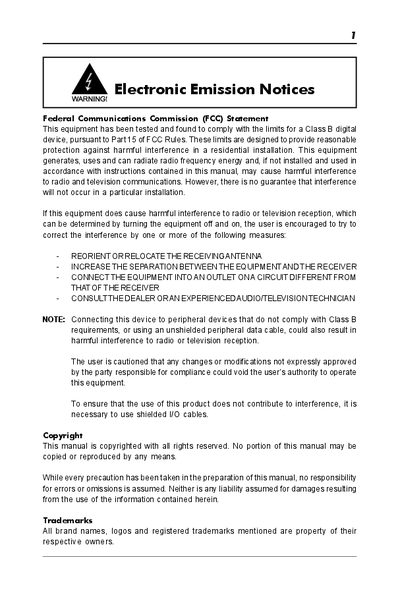
This document is about electronic emission notices, introduces the Federal Communications Commission (FCC) statement and the devices that generate, use and radiate radio frequency energy. If they are not installed and used according to the instructions, they may cause harmful interference to radio and television communications.
The ATI RS480 Technical Reference Manual provides detailed information on the motherboard’s hardware configuration, including chipset, CPU support, memory slots, PCI‑Express slots, USB ports, audio and video outputs, and optional components such as LAN and IEEE‑1394. It also describes connector pin‑outs, jumper settings, and power‑management features.
Additional sections guide users through BIOS configuration, SATA RAID creation and management, and step‑by‑step driver installation for Windows operating systems. Appendices contain safety notices and troubleshooting tips.
| Chipset | ATI RS480/RX480+SB400 |
|---|---|
| Supported CPU | AMD K8 processor in Socket 754 |
| Memory Slots | 2 DDR SDRAM sockets, 64 MB‑2 GB, 266/333/400 MHz |
| PCI Express Slots | 1 × PCI‑Express x16, 1 × PCI‑Express x1 |
In the RAID utility, choose “Delete RAID Set”, select the set to remove, and confirm with “Y” when prompted “Are You Sure?”.
Insert the bundled driver CD, run the installer from the “ATI_Raid Driver” folder, and follow the on‑screen prompts to complete the installation.