
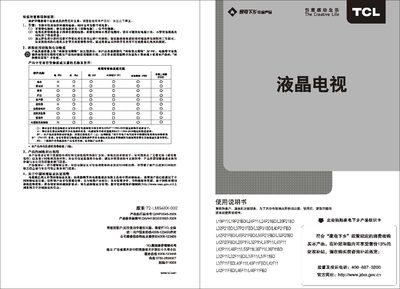
This manual covers safety warnings, environmental guidelines, and proper handling of the TCL L32P11 TV. It explains how to install the unit, connect audio‑video sources, and use built‑in features such as USB media playback, picture modes and parental controls.
Detailed sections describe the technical specifications, dimensions, power consumption, and recommended cleaning methods. Troubleshooting advice helps resolve common issues like no picture, no sound, or signal interference. This manual is written in Chinese.
| Rated power consumption | 50W |
|---|---|
| Dimensions (W×H×D) | 670 mm × 462 mm × 52 mm |
| Operating voltage | 220 V / 50 Hz |
| Operating temperature | 5 °C ~ 35 °C |
| Storage temperature | -15 °C ~ 45 °C |
Insert the USB device, press the MENU key on the remote or panel, select “Media Center”, then choose the desired file to play.
Use a dry, soft, lint‑free cloth or a liquid‑crystal‑specific cleaner; do not use water or harsh chemicals.
Check that the power is on, verify the input source, ensure the antenna or cable connection is secure, and adjust the volume or mute settings.