
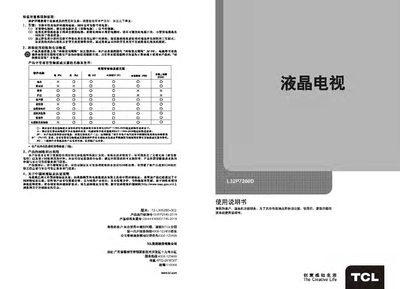
This manual begins with safety warnings and environmental considerations, explaining how to conserve energy, handle hazardous substances, and recycle the product responsibly. It also lists the included accessories such as the remote control, power cable, and video cables.
The guide then details the TV’s functions, menu navigation, remote control usage, connection diagrams, CAM card installation, and multimedia features. The final sections cover technical specifications, fault analysis, and a Q&A troubleshooting guide for common issues like USB storage, subtitle support, and software upgrades. This manual is written in Chinese.
| Working Voltage | 220V‑50Hz |
|---|---|
| Rated Power Consumption | 70 W |
| Screen Diagonal | ≈80 cm |
| Audio Output Power | Left + Right 8 W each |
| Reception Frequency Range | 470 MHz (full‑band cable TV) |
Some external hard drives draw too much power, causing insufficient supply; use only one drive or a low‑power model.
Yes, the TV supports external subtitle files such as SRT during full‑screen playback.
The user ID uniquely identifies each TV for network services; it is required for online features and support.
If the TV was powered by a USB drive during upgrade, keep the drive inserted and restart; otherwise power off, then power on again and retry, or contact TCL support.