
This manual introduces the functions and features of the digital camera, including installing the battery, inserting and removing the storage card, turning on the digital camera and starting to use it
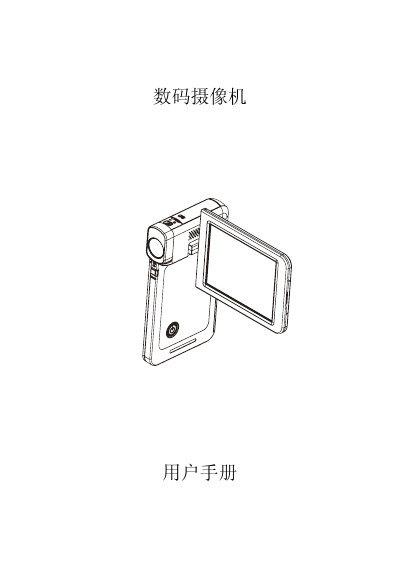
This manual introduces the SC digital video camera, covering its 5‑megapixel sensor, 1080p video recording, built‑in 128 MB memory, and expandable SD/SDHC storage up to 32 GB. It explains how to power the device, insert batteries and memory cards, and connect to TV or PC via HDMI, mini‑USB, or AV cables.
Detailed sections guide users through basic operation, recording modes, playback, DVD burning, video uploading, format conversion, system requirements, and troubleshooting tips such as adjusting focus, handling low‑light scenes, and charging the rechargeable lithium‑ion battery. This manual is written in Chinese.
| Effective sensor pixels | 5 MP |
|---|---|
| Interpolated pixel count | 16 MP |
| Digital zoom | 1×‑4× |
| LCD screen size | 3 inches |
| Internal memory | 128 MB |
| SD/SDHC card support | up to 32 GB |
| Maximum photo resolution | 4608 × 3456 (16 MP) |
| Maximum video resolution | 1920 × 1080 px (1080p, 30 fps) |
| Battery type | Rechargeable Li‑ion |
| Dimensions (L×H×T) | 59 mm × 106 mm × 17 mm |
| Weight (without battery) | 95 g |
Use the supplied AC charger or USB cable while the camera is turned off; the indicator flashes during charging and stays solid when fully charged.