
This manual is the user's manual for a certain brand and model of digital camera, which mainly introduces the product's features and characteristics and usage methods.
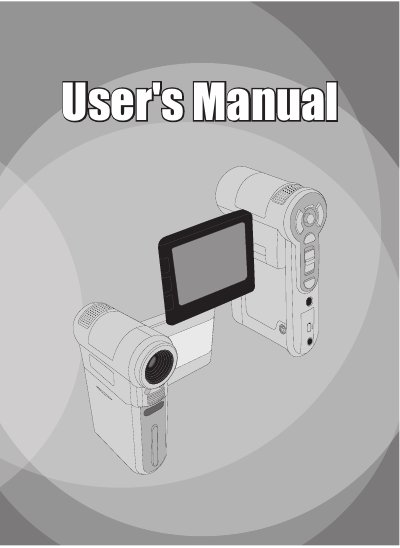
This manual guides users through the basic operations of the Sony HDR-CX200 camcorder, including how to install the battery, insert memory cards, and power the device on and off. Detailed instructions cover recording video and still images, adjusting focus and zoom, and using the playback functions.
Additional sections describe connecting the camcorder to a TV via AV cable, navigating the menu system, and advanced settings such as white balance and image stabilization. Appendices provide information on video conversion software and system requirements for the included PC utilities.
| Optical Zoom | 3X |
|---|---|
| Digital Zoom | 8X |
| Video Resolution Options (conversion) | QVGA (320 × 240) and VGA (640 × 480) |
Press and hold the Power button for about 1 second to turn on, and hold it for 1–3 seconds or close the LCD monitor to turn off.