
The digital camera has a 500-megapixel sensor that can shoot H.264-format movies, and the 3-inch (16:9) LCD touch screen is the ideal platform for operating the camera. The built-in storage can shoot photos and videos, and the storage card slot can expand storage capacity.
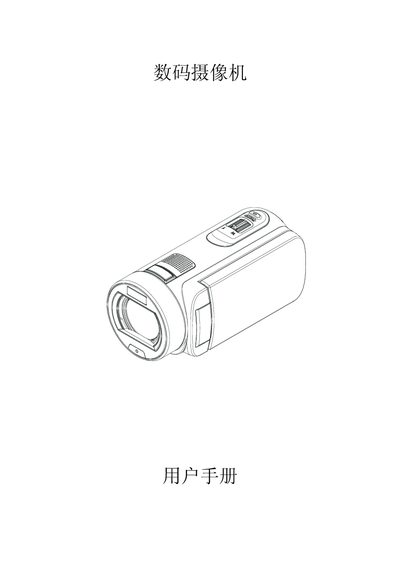
The manual begins with safety guidelines and an overview of the digital video camera, describing its 5‑megapixel sensor, 3‑inch touch LCD, and built‑in storage. It explains how to install the rechargeable lithium battery and optional SD/SDHC/SDXC memory cards.
Subsequent sections cover basic operation such as powering on, recording video and photos, using playback and zoom functions, connecting to a TV via HDMI, and uploading content to the Internet with the built‑in Internet Direct app. The final chapters list detailed specifications, system requirements, and troubleshooting tips for common issues. This manual is written in Chinese.
| Image Sensor | 5 megapixels |
|---|---|
| LCD Display | 3‑inch touch LCD (16:9) |
| Internal Memory | 128 MB |
| Supported Memory Cards | SD/SDHC/SDXC up to 64 GB |
| Video Resolution | Full HD (1080p 30 fps) |
| Photo Resolution | 4608 × 3456 (16 MP) |
| Battery | Rechargeable lithium battery |
| Dimensions | 126 mm × 57 mm × 60 mm |
| Weight | 345 g (without battery) |
Use the supplied AC charger or USB cable while the camera is turned off; the indicator flashes while charging and stays solid when fully charged.
Insert the SD card until it locks into place, then gently slide it out by pressing inward when you need to remove it.
Press the 【录像】 button to begin recording and press it again to stop.
Use the built‑in “Internet Direct” application to transfer recorded videos to an online account.