
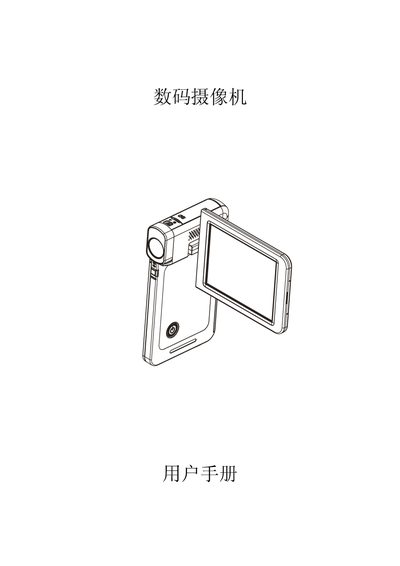
The manual describes the camera's main features, including a 5‑megapixel sensor, H.264 video recording, and 1920×1080 HD playback. It explains how to install the rechargeable battery, insert an SD card, and use the LCD panel for preview and playback.
It also covers connectivity functions such as the Mini HDMI and micro USB 2.0 ports, explains the mode‑switch keys for video, photo, and playback modes, and provides a troubleshooting section for common issues like blurry LCD images or SD card errors. This manual is written in Chinese.
| Sensor | 5 megapixels |
|---|---|
| Video format | H.264 |
| Storage media | SD card |
| HDMI port | Mini HDMI |
| USB port | Micro USB 2.0 |
| Battery | Rechargeable battery (included) |
| Charging method | AC charger or USB |
Insert the rechargeable battery into the battery slot as shown in the installation instructions.
Use the supplied AC charger or connect via USB; the charging indicator will light while charging and turn off when complete.
Press the mode‑switch key to select the video (recording) mode, indicated by the video mode indicator light.
Switch to macro mode or adjust the focus using the focus control to improve image clarity.