
This manual introduces how to use the camera, including: product introduction, getting started, shooting / playing video, video playback mode, using menu.
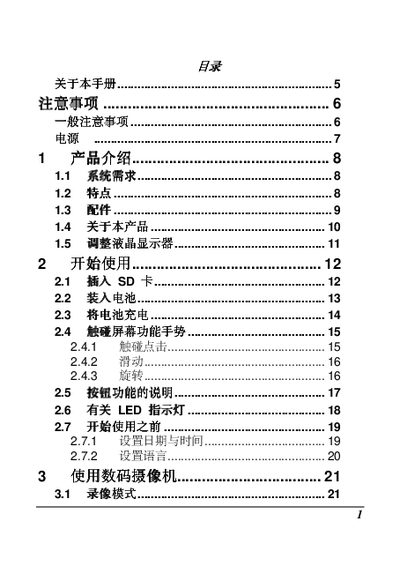
The manual introduces the camera’s features, system requirements, and basic operation such as battery handling, touch‑screen gestures, and menu navigation. It also covers recording modes, playback functions, and connectivity options for computers and TVs.
Safety guidelines, troubleshooting tips, and environmental compliance information are included to ensure proper use and maintenance of the device. This manual is written in Chinese.
| Maximum resolution | 1600 万像素 |
|---|---|
| Operating system requirement | Windows Vista/XP/2000 or Mac OS 10.3‑10.4 |
| CPU requirement | Pentium 4 2.8 GHz or higher |
| Minimum RAM | 2 GB |
| USB port | USB 1.1 or higher |
| Display card memory | 64 MB minimum |
| Operating temperature range | 0 °C to 40 °C |
Use only the battery and charger that came with the camera; other batteries or chargers may damage the device and void the warranty.
The camera is designed to operate in environments from 0 °C up to 40 °C.
Yes, the camera can function as a U‑disk and an SD card reader.