
This document is the user manual of YEPP YV-120 H(128MB)/V(256MB)/X(512MB), which introduces the product's features, functions, usage methods, operating steps, etc.
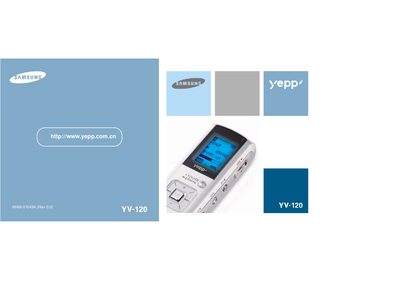
This manual covers the hardware features of the Samsung YV-120 media player, including its memory options, audio and FM radio capabilities, and supported file formats. It also explains how to connect the device to a PC via USB and install the required drivers on Windows operating systems.
Additional sections describe basic operation of the player, detailed specifications, and troubleshooting tips for common issues such as driver errors and file playback problems.
| Memory options | 128 MB, 256 MB, 512 MB |
|---|---|
| FM radio frequency range | 87.5 MHz – 108.0 MHz |
| Audio playback frequency range | 100 Hz – 4 kHz |
| Supported WMA bitrate | 8 kbps – 192 kbps |
Use the provided "Install Player USB Driver" utility as described in the manual.
The device is offered with 128 MB, 256 MB, or 512 MB of memory.