
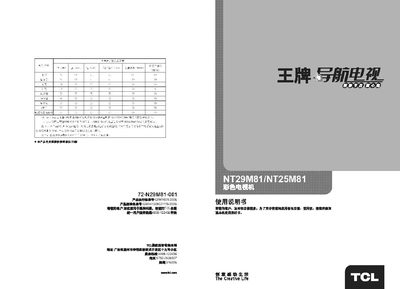
This manual provides instructions for operating the TCL NT29M81/NT25M81 color television, including power control, channel search, image adjustment, and system settings. It also covers basic troubleshooting for common issues.
The TV features 228 program memory channels, automatic channel tuning, timer functions, and multiple input/output ports for connectivity. This manual is written in Chinese.
| Program Memory | 228 channels |
|---|---|
| Video Input | Y, Cb, Cr (10Vp-p), RGB (0.7Vp-p) |
| Audio Input | 10mVp-p, 5Vrms |
| Power Supply | 220V~50Hz |
| Screen Size | 53cm (NT25M81) |
| Dimensions | 580x538x557mm (NT23M81) |
| Weight | 45kg (NT23M81) |
Press the power button on the TV or remote to turn it on. If it was off, it will enter standby mode.
Press the 'Menu' button to enter the 'Search' menu, then select 'Auto Search' or 'Manual Search' to scan channels.
Press 'Menu' to enter the 'Picture' menu, then use 'Channel' and 'Volume' to adjust brightness, contrast, color, sharpness, and saturation.
Enter the 'System' menu via 'Menu', then select 'Time Setting' to configure time and enable timer functions like 'Timed Shutdown' or 'Timed Channel Switching'.