
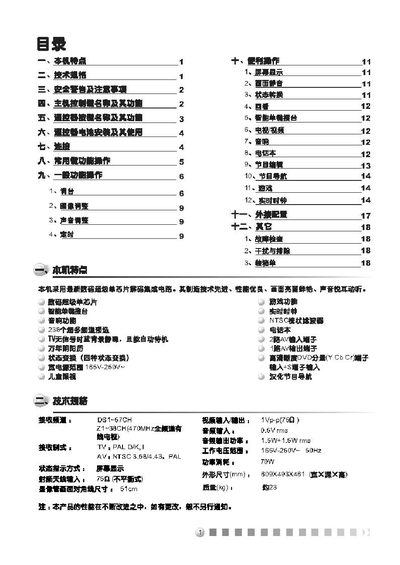
This manual explains how to install and operate the TCL NT21A41 TV, covering safety precautions, power connection, and basic remote‑control functions such as channel selection, volume adjustment, and menu navigation.
It also details battery installation for the remote, channel tuning procedures, and a troubleshooting section that helps resolve common issues like no sound, picture distortion, or signal interference. This manual is written in Chinese.
| Power supply range | 165 V – 250 V |
|---|---|
| Screen size | 51 cm |
| Audio output power | 1.5 W RMS |
| Audio power | 15 W RMS |
Press the “channel up” or “channel down” keys on the remote to move to the next or previous channel; the channel number will be shown on the screen.
Use the “volume up” and “volume down” keys on the remote; pressing “volume up” increases the sound level, while “volume down” decreases it.
Open the battery compartment, insert two 1.5 V AA batteries with the correct polarity, and ensure the old battery is removed before use.
Check that the volume is not muted, verify the audio mode (stereo or mono) in the menu, and ensure the speaker connections are secure.