
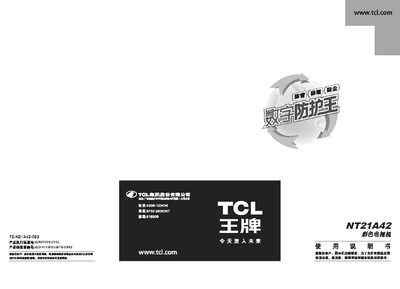
The manual covers safety notices, model features, exterior diagrams, and detailed instructions for simple operation, program search, picture and sound adjustments, as well as system settings. It also includes advanced functions such as navigation, channel management, and game mode.
Additional sections address fault checking, interference elimination, and a packing list, helping users resolve common issues and properly install the TV. This manual is written in Chinese.
| Screen size | 51 cm |
|---|---|
| Power consumption | 70 W |
| Working voltage range | 165‑250 V, 50/60 Hz |
| Audio output power | 2 W |
| Dimensions (W×H×D) | 809×462×? mm |
Press the power button on the main unit; the indicator light will turn on.
Press the "search" button on the remote or main unit to start automatic channel scanning.
Enter the picture menu via the "Menu" button and use the navigation keys to adjust brightness, contrast, color, and sharpness.