
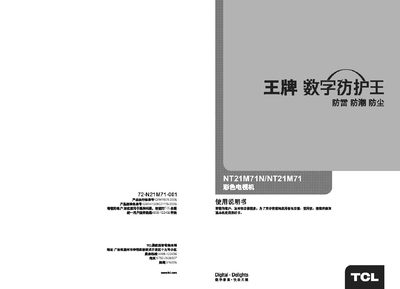
This manual covers the basic operation of the TCL NT21M71 color television, including power on/off, remote control functions, and menu navigation. It also details the TV’s specifications such as screen size, voltage, and audio connections.
Additional sections explain how to perform automatic and manual channel searches, adjust picture settings like brightness and contrast, and diagnose common issues with audio or signal reception. This manual is written in Chinese.
| Screen diagonal size | 51 cm |
|---|---|
| Operating voltage | 220 V, 50 Hz |
To turn on the TV, press the power button on the main unit or the remote. To turn it off, press the power button again or select “待机” (standby) on the remote.