
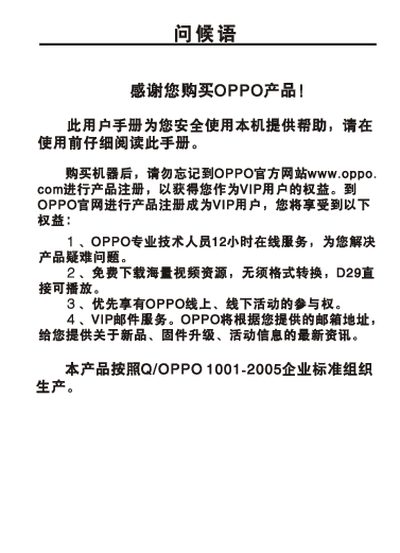
This manual guides owners of the OPPO D29L/D29H MP4 player through registration, safety precautions, and basic operation. It explains how to register the device on the OPPO website to become a VIP user and outlines the warranty and service information.
The guide covers quick‑start functions such as power on/off, music, video and image playback, volume control, and system settings. It also lists the device specifications, including memory, battery, playback time, dimensions, audio output, and supported media formats. This manual is written in Chinese.
| Model | D29L / D29H |
|---|---|
| Memory Capacity | 16 MB / 26 MB |
| Battery | 3.7 V, 400 mAh |
| Continuous Playback Time | up to 10 hours |
| Dimensions / Weight | 80.4 mm × 38.4 mm × 8.0 mm, approx 44.8 g |
| Audio Output Level | 93 dB |
| Headphone Impedance | 160 Ω / 92 Ω |
| Headphone Output Power | 24 mW + 24 mW / 12 mW + 12 mW |
| Frequency Response | 20 Hz ~ 20 kHz |
| Supported Audio Formats | MPEG‑1/2 Layer 3 (32‑320 kbps), other formats up to 192 kbps, WAV (MS‑ADPCM) |
| Supported Image Formats | JPEG (max 2816 × 2112), BMP |
Visit the OPPO official website (www.oppo.com) and follow the product registration instructions to become a VIP user.
Press the volume control key while in the playback interface; sliding the key adjusts the volume level.
The device can play continuously for up to 10 hours on a full charge.