
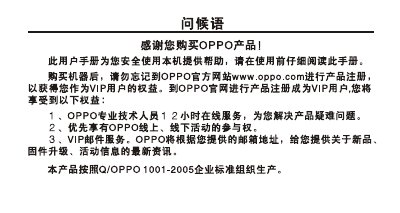
The manual begins with safety notices and encourages users to register the device on the OPPO website to obtain VIP benefits. It then presents quick‑start instructions, showing the layout of buttons and connectors, and explains basic functions such as power on/off, music playback, radio, recording, and charging.
Additional sections cover detailed button operations, menu navigation, playback controls, fast‑forward/rewind, volume adjustment, and environmental disposal information for hazardous components and batteries. This manual is written in Chinese.
Visit the OPPO website (www.oppo.com) and complete product registration to become a VIP user.
Press the power key briefly to turn on; hold the power key long to turn off.
Enter the main menu, select "Play", and short‑press the play key to resume from the last stopped position.