
OPPO MINIMP4 is a MP4 player with a color screen
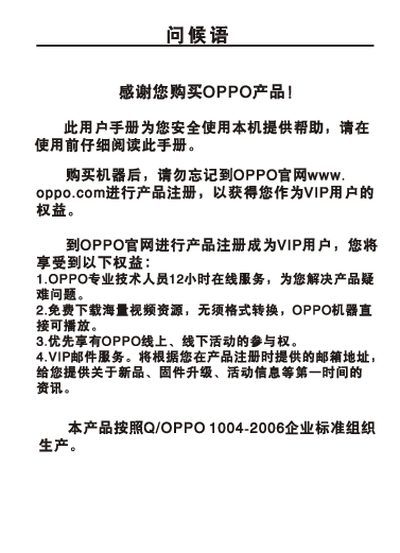
This manual guides OPPO MP4 player owners through safe usage, registration, and quick‑start procedures. It covers button functions, playback controls for audio, video and images, as well as file management and USB connection safety.
The specification section lists key hardware details such as memory capacity, battery size, playback time, dimensions, audio performance and supported media formats, helping users understand the device capabilities. This manual is written in Chinese.
| Model | Y3L / VY3H / VY3I / VY3S |
|---|---|
| Memory Capacity | 16 / 26 / 46 / 8 MB |
| Audio Decoding Chip | WOLFSON WH8750 |
| Battery | 3.7 V 650 mAh |
| Continuous Playback Time | ≈11 hours (MP3) |
| Dimensions / Weight | 85.5 mm × 50 mm × 110 mm, ≈66.3 g |
| Audio SNR | >90 dB |
| Headphone Output | 12 mW + 12 mW into 32 Ω |
| Frequency Range | 18 Hz – 20 kHz |
| Supported Audio Formats | MP3 (32‑320 kbps), WMA (32‑320 kbps) |
Press the power button briefly to turn the device on; press and hold the button to turn it off.
It can play MP3 files continuously for about 11 hours on a full charge.
In the file‑browse screen, long‑press the select key to delete the highlighted file.