
This document introduces the features of OPPO MINIMP4. The name of the product is OPPO MINIMP4 and the model is 10.
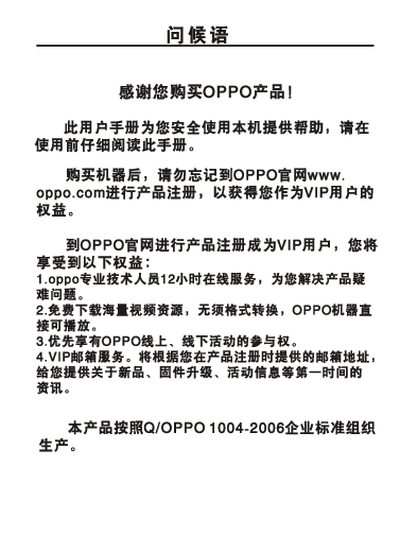
The OPPO MP4 player is a portable media device that supports audio, video, image and FM radio playback. This manual guides users on safe usage, registration, and basic functions.
It includes quick‑start operations such as power on/off, play/pause control, volume adjustment, file browsing, and media playback, as well as detailed specifications and safety precautions. This manual is written in Chinese.
| Memory capacity | 16/26/46/8 MB |
|---|---|
| Audio decoder chip | WOLFSON WH8750 |
| Battery | 3.7 V 900 mAh |
| Continuous playback time | ≈15 hours (MP3) |
| Dimensions | 87 mm × 54 mm × 11 mm |
| Audio SNR | ≥90 dB |
| Headphone output | 12 mW + 12 mW, 32 Ω (25 mW + 25 mW, 16 Ω) |
| Frequency range (audio) | 18 Hz – 20 kHz |
| FM radio frequency range | 76 MHz – 108 MHz |
| Supported audio formats | MPEG‑1/2 Layer 3 (32‑320 kbps), WMA (32‑320 kbps) |
| Supported image format | JPEG (DCF standard), up to 8‑10 MP |
Short press the power button to turn the device on; long press the same button to turn it off.
Press the play/pause button briefly to toggle between playing and pausing the music.
In the file‑browser screen, long‑press the file you want to remove and select the delete option.