
This manual introduces the operation methods and usage explanations of the Canon PIXMA MG3100 series printer, scanner and fax machine.
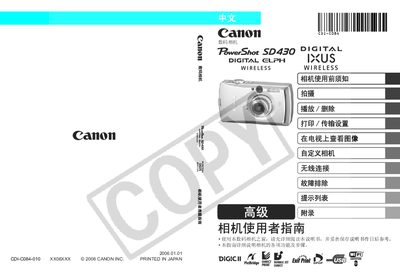
This guide provides detailed instructions for using the Canon PowerShot SD430 camera, covering basic operation, shooting modes, ISO settings, white balance, and image playback. It also includes safety precautions, warranty information, and troubleshooting tips.
Additional sections describe how to connect the camera to a Canon printer for direct printing, supported memory card types, and regulatory compliance for wireless functions. This manual is written in Japanese.
| Supported memory cards | SD and MultiMediaCards |
|---|---|
| Direct printing support | DPOF printing to Canon compatible printers |
The camera supports Secure Digital (SD) cards and MultiMediaCards.
Connect the camera to a Canon compatible printer and use the DPOF printing function.