
This is a user manual for the Carmen repeater machine. It introduces the features, functions, and usage methods of the product.
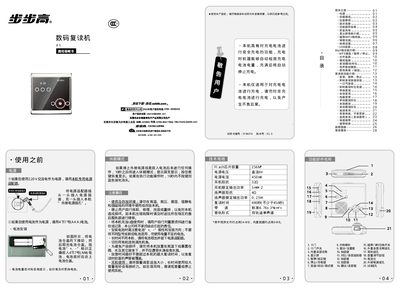
This manual provides step‑by‑step instructions for using the BBK F1 digital repeater, including power options, battery charging, and operation of MP3, tape and voice‑recording functions. Safety precautions and proper handling are also covered to ensure reliable performance.
Key sections describe how to set the time, lock the keys, switch between playback modes, and resolve common issues such as no sound, battery problems, and file errors. The document also includes specifications of the device and contact information for after‑sales service. This manual is written in Chinese.
| Power supply voltage | DC 6Y |
|---|---|
| Power supply current | 450mR |
| Output power | 0.25W |
Insert a charged battery, connect the external power adapter, then press the Stop/Charge key for 2 seconds; the screen will show “充电” and the device will stop automatically when fully charged.
Press and hold the Repetition/Set key for 2 seconds to enter hour setting, press again for minute setting, then use the Fast‑Forward or Fast‑Rewind keys to adjust the values, and confirm with the Repetition/Set key.
Turn the MP3/Tape switch to the MP3 position; the device will play MP3 files stored in the root directory.