
This document describes the features and characteristics of the Azur Excel Plus HI545, HI535, HI529, HI528, HI525, HI518, HI515 models.
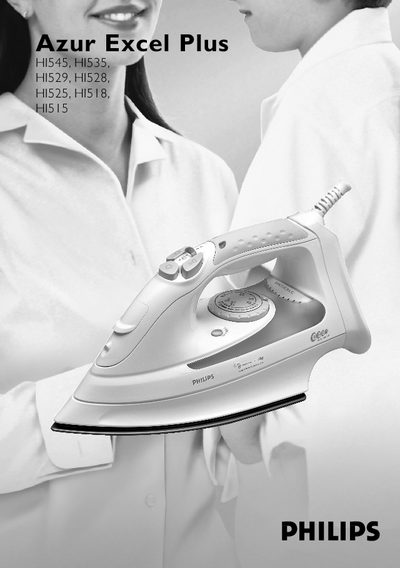
This manual provides safety guidelines, preparation steps, and operating instructions for the Philips Azur Excel Plus series of steam irons. It covers essential precautions, how to fill the water tank, set temperature, and use the various steam functions.
The document also describes special features such as the spray function, shot‑of‑steam, turbo‑steam, drip‑stop, and electronic safety shut‑off, as well as maintenance tips and troubleshooting advice.
Unplug the iron, set the steam control to position 0, open the filling cap, fill the tank with tap water up to the maximum level using the filling cup, then close the cap.
It automatically stops steam production when the temperature is too low, preventing water from dripping out of the soleplate.
The iron switches off automatically after a period of inactivity (30 seconds when horizontal, 8 minutes when vertical), indicated by a blinking red light.