
This document is a reference guide for TL-SG3109/TL-SL3452 Gigabit Managed Switch Family CLI, which introduces the methods of using CLI and features such as AAA commands, address table commands, and clock settings.
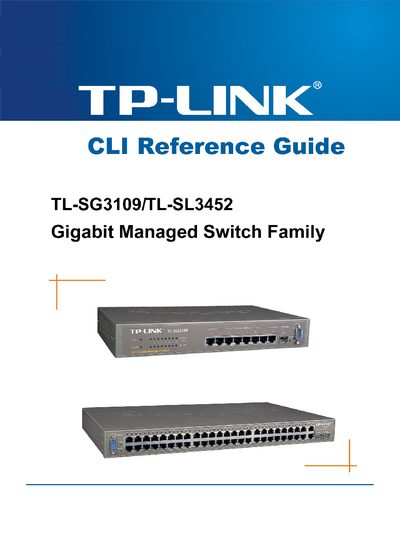
This CLI Reference Guide describes the command‑line interface used to configure and monitor TP‑Link TL‑SG3109 and TL‑SL3452 Gigabit Managed Switches. It covers command modes, authentication, and basic operation of the device.
The guide is organized into sections such as Using the CLI, AAA Commands, Address Table Commands, Ethernet Configuration Commands, GVRP Commands, IGMP Snooping Commands, IP Addressing Commands, LACP Commands, QoS Commands, and System Management, providing detailed syntax and examples for each feature.
Use the Password Recovery Procedure: reboot the device, press the appropriate key during the boot prompt, and then use the enable password command to set a new password.
Enter the CLI and run the command `ip address dhcp` to enable DHCP on the management interface.
Execute the `show running-config` command in privileged EXEC mode to display the active configuration.