
LC-32Z33H, LC-37Z33H LCD COLOUR TELEVISION user manual, introduces the features and usage of the product.
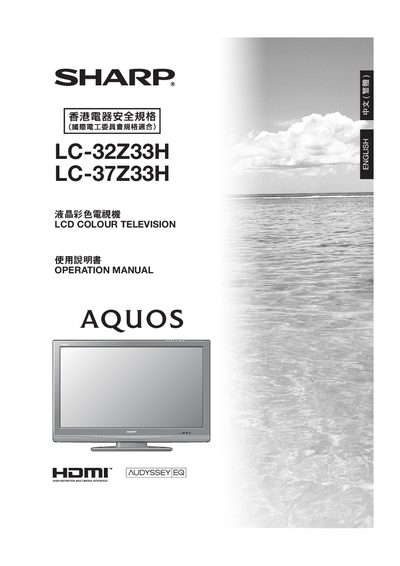
This manual guides Sharp LCD colour television owners through safe handling, installation, and everyday operation. It begins with important safety precautions, lists the supplied accessories, and explains how to prepare the TV and install the stand or wall‑mount.
Subsequent sections cover connecting external devices such as HDMI sources, DVD players, and computers, using the remote control, adjusting picture and sound settings, and troubleshooting common issues. Appendices provide RS‑232C command lists, a password reset procedure, and optional accessories. This manual is written in Chinese.
| Display resolution (pixel count) | 1,049,088 pixels |
|---|---|
| Power input connector | AC INPUT (交流電源輸入)端子 |
Enter the password screen, press MENU, select the setting option, choose the child‑lock option, and enter a new four‑digit password.
Yes, using the Sharp AN‑37AG5 wall‑mount bracket; other brackets are not approved and may cause injury.
The remote uses an AAA‑type battery (type G2).
Connect the computer to the INPUT 5 (HDMI) port and adjust the resolution via the TV’s menu.