
This manual provides detailed instructions on how to use the Sanyo LCD color television. It mainly includes safety precautions, accessories, preparation, user control location, basic operation, setup, adjustment, external device connection, troubleshooting and other content.
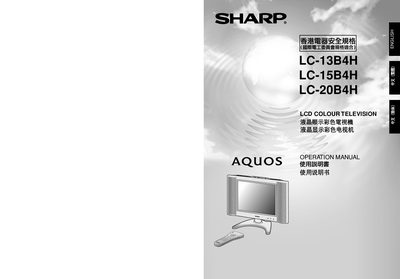
This operation manual covers the Sharp LC-13B4H, LC-15B4H and LC-20B4H LCD televisions. It explains safety precautions, supplied accessories, remote control battery installation, power and antenna connections, and the location of the user controls.
It also describes basic channel and menu operation, timer and picture adjustments, connecting external equipment, troubleshooting and specifications. The examples use the LC-20B4H; illustrations for the LC-13B4H and LC-15B4H may differ.
| LCD panel transistors | 921,600 thin film transistors |
|---|---|
| DC input voltage (LC-13B4H/LC-15B4H) | DC 12V |
| DC input voltage (LC-20B4H) | DC 13V |
| Antenna terminal | 75 ohm type |
| Swivel range | 25 degrees left/right |
It uses two AAA (UM/SUM-4) batteries.
The LC-20B4H uses a DC 13V input.
Unplug the AC power plug from the electrical outlet before cleaning.
Change the lighting or the television's angle, or operate the remote closer to the remote control sensor.