
This document is an English instruction manual for the LC-42D65H LC-46D65H LCD color television
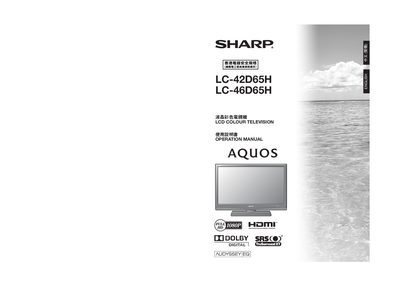
This Sharp operation manual provides safety guidelines, installation steps, and detailed instructions for using the LC-42D65H and LC-46D65H LCD colour televisions. It includes information on connecting external devices, adjusting picture and audio settings, and using the AQUOS LINK HDMI features.
The document also contains a fault‑analysis section, specifications, and instructions for setting parental locks and configuring the stand. All examples and diagrams refer to the LC-42D65H model, with notes on differences for the LC-46D65H.
| Resolution (pixel count) | 2,073,600 pixels |
|---|---|
| HDMI interface | HDMI |
| Audio technology | TruSurround XT |
No, the LC-46D65H model cannot be rotated; only the LC-42D65H can be tilted up to 15 degrees.
Attach the short screws (x4) and long screws (x4) into the rear holes, then secure the stand to the TV base as shown in the installation diagrams.