
Sharp LC-65RX1H LCD Television Operation Manual

This is the user manual of LC-65RX1H LCD color television. It includes safety precautions, product introduction, installation, connection, usage, setting and more.
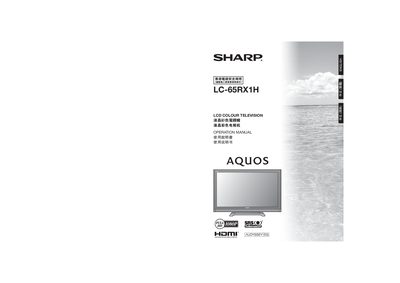

Sharp LC-65RX1H LCD Television Operation Manual - cover page
Brand
Sharp
Category
Television
Document type
User Manual
Language
English
Pages
64
File format
PDF
File size
12.5 MB
Published
20 March, 2012
Updated
30 September, 2023
MD5 checksum
EAF128A30F18FCD359ACECA1E9042057

About this manual

This manual provides instructions for the Sharp LC-65RX1H LCD colour television. It covers safety precautions, installation of accessories, and connecting external devices such as VCRs, game consoles, DVD players, and computers. The guide details how to use the remote control, power the unit, and perform initial automatic setup.

What's inside

  • Safety Precautions
  • Remote Control
  • Connecting External Equipment
  • Turning Power On/Off
  • Channel Setup
  • Picture Settings
  • Sound Settings
  • Computer Connection
  • AQUOS LINK
  • Troubleshooting

Specifications

Pixel Count2,073,600 pixels

Frequently asked questions

What type of batteries are required for the remote control?

The remote control requires two 'AAA' type batteries.

Can the television be used in a bathroom?

No, the unit should not be used near water sources like bathtubs or sinks.

What happens if the screen is struck by a sharp object?

The LCD screen may break, and users should be careful not to be cut by broken glass.

Download PDF (12.5 MB)

More Sharp Manuals


View all Sharp manuals →