
This manual introduces basic operations and functions of the 40LX710H Liquid Crystal Color TV. Read this manual carefully before operating this product to ensure safe use.
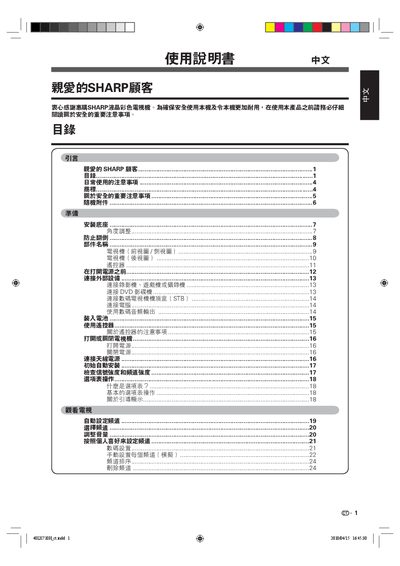
This manual begins with important safety notices and daily usage tips, then guides you through unpacking, base installation, angle adjustment and wall‑mounting procedures. Detailed diagrams show the TV, remote control and connector locations.
Subsequent sections cover connecting external devices (HDMI, USB, antenna, PC, DVD, game console), using the remote, configuring picture and audio settings, child‑lock password setup, energy‑saving features and a troubleshooting appendix. Appendices list accessories, specifications and software update instructions. This manual is written in Chinese.
| Screen size | 40, 46, 52 inches (model variants) |
|---|---|
| Pixel count | 2,073,600 pixels |
| Remote battery type | AA alkaline (g2) |
| RS‑232C port | RS‑232C interface |
Press CHr (channel) and VOL k (volume) together until the password screen appears, then use the MENU and ENTER keys to clear or re‑set the password as described.
The remote uses an AA‑size alkaline battery (g2).
Use a soft, dry cloth (cotton or fleece) to gently wipe the screen; avoid chemical cleaners, wet cloths or abrasive materials.
Confirm the four supplied screws, attach the base to the TV using the screws, then adjust the TV on the base as shown in the manual.