
Instruction manual for Memory Card (8MB) (for PlayStation®2), introduces the product's usage methods and precautions.
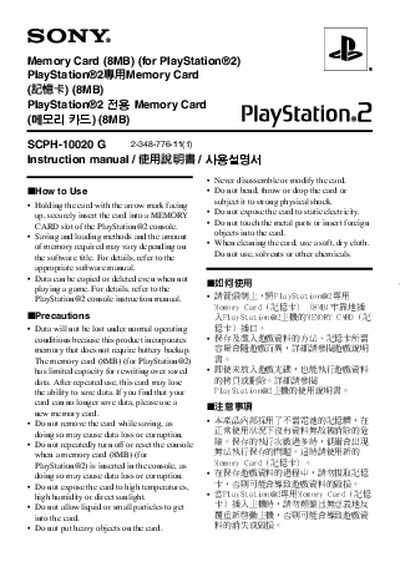
The manual provides step‑by‑step instructions for using the 8 MB PlayStation 2 memory card. It explains how to insert the card with the arrow mark facing up, how to save and load data, and where to find additional information in the console’s own manual.
Precautions are listed to prevent data loss or damage, including avoiding removal of the card while saving, not repeatedly powering the console on or off, keeping the card away from heat, moisture, sunlight, liquids, heavy objects, static electricity, and never disassembling or modifying the card. Warranty information and a link to Sony’s warranty page are also included. This manual is written in Korean.
| Capacity | 8 MB |
|---|---|
| Model | SCPH-10020G |
Hold the card with the arrow mark facing up and securely insert it into a MEMORY CARD slot of the PlayStation 2 console.
Do not remove the card while saving, avoid repeatedly turning the console on or off with the card inserted, keep the card away from high temperature, humidity, sunlight, liquids, heavy objects, static electricity, and never disassemble or modify it.
No, the card uses memory that does not require battery backup, so data will not be lost under normal operating conditions.