
This document guide provides instructions and precautions for using the PSP®go system, including the safe use of the charging cradle, cleaning methods, and how to attach and remove the PSP®go system. It also provides some usage precautions, such as avoiding metal objects from coming into contact with the charging terminals of the cradle and keeping the cradle out of the reach of small children.
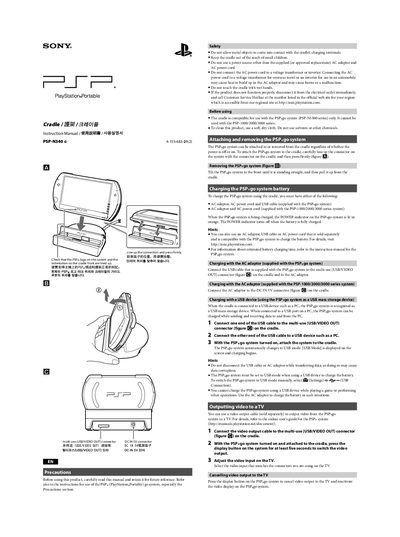
The Sony PSP-N340G Cradle is designed specifically for the PSP Go system (PSP-N1000 series). It allows users to attach the system for charging via an AC adaptor or a USB device, and supports data transfer when connected to a PC. The cradle also features a multi-use connector for outputting video to a TV using a compatible cable.
| DC Input Voltage | 5V |
|---|
No, you cannot charge the PSP Go system using a USB device while playing a game or performing other operations.
It is compatible for use with the PSP-go system (PSP-N1000 series) only.
Line up the connectors and press firmly.
The POWER indicator is lit in orange while charging.