
This quick start guide introduces you to PhotoBase software and walks you through the steps of creating and using your first PhotoBase album.
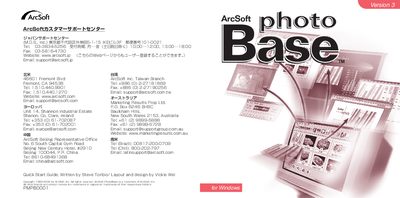
This guide introduces PhotoBase, a multimedia file‑management program that lets you create slideshows, web albums, and video postcards. It explains how to organize files into custom albums, add labels, and use the tree‑view and toolbar for quick navigation.
The document also covers system requirements, how to acquire images from scanners or cameras, capture video, import files, edit images, create slideshows, web albums, video postcards, and print images or thumbnails. Additional features such as the HotLink bar and online help are described. This manual is written in Japanese.
| Supported Operating Systems | Windows 98/Me/2000/XP |
|---|---|
| Minimum CPU | Pentium‑class PC |
| Minimum RAM | 64 MB (128 MB recommended) |
| Hard‑disk free space | 100 MB |
| QuickTime version | Apple QuickTime 4.0 or later |