
This is a user manual for ArcSoft PhotoBase, which introduces the features and usage of the product.
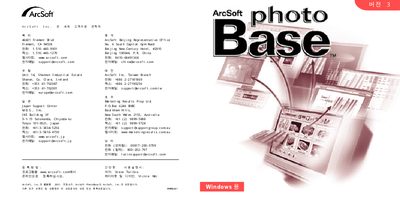
The guide includes contact information for ArcSoft offices worldwide, such as the Fremont, CA headquarters and regional offices in Ireland, Japan, China, Taiwan, and Australia. It also lists the software’s system requirements and sample files.
System requirements are listed as Windows 98/ME/2000/XP, a Pentium II processor, at least 63 MB of RAM (128 MB recommended), and Apple QuickTime 4.0. Basic installation steps are shown with a short menu path (ArcSoft PhotoBase → PhotoBase 3.0) and references to sample files like Sample.abm.
| Supported Operating Systems | Windows 98/ME/2000/XP |
|---|---|
| Minimum CPU | Pentium II |
| Memory | 63 MB RAM (128 MB recommended) |
| Required Software | Apple QuickTime 4.0 |
ArcSoft PhotoBase runs on Windows 98, Windows ME, Windows 2000, and Windows XP.
The software requires at least 63 MB of RAM, with 128 MB recommended for optimal performance.
A Pentium II processor is the minimum CPU requirement.
Yes, Apple QuickTime version 4.0 is required.