
Intel® Personal Audio Player 3000 is a personal audio player equipped with Intel Audio Manager and Intel Faceplate Designer software. It allows users to search their computer and create their own digital music library, automatically generate playlists, preview and transfer digital music to the player's internal and external memory.
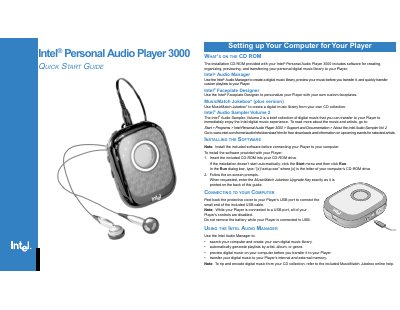
This guide walks you through installing the Intel Audio Manager software, connecting the Player to a computer via USB, and configuring basic settings such as battery installation and faceplate customization. It also includes troubleshooting tips for common issues like playback problems and MMC formatting.
The document provides system requirements, detailed product specifications, and safety notices, helping users get the most out of their Intel Personal Audio Player 3000 quickly and safely.
| Dimensions | 83 mm x 64 mm x 38 mm (with belt clip) |
|---|---|
| Weight | 83.4 g (with belt clip and without battery) |
| Battery type / life | 1 AA alkaline or NiMH, up to 10 hours playback |
| Internal memory | 64 MB Intel® Strataflash™ |
| External memory | MultiMediaCard (MMC) expansion slot |
| Audio codec support | MP3 and WMA (including DRM‑protected content) |
| Frequency response | 20 Hz – 20 kHz |
| Maximum output | 6.5 mW @ <0.1 % THD+N |
| Signal‑to‑Noise Ratio | > 90 dB |
| Bass and Treble Boost | 12‑step controls |
Verify the battery has enough power or replace it, then try turning the Player on again.