
Intel Pocket Concert is a portable audio player from Intel. It has a USB port and supports digital audio and FM radio.
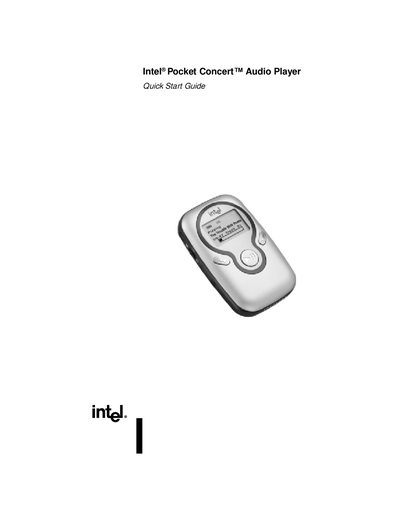
The Intel Pocket Concert Audio Player is a portable digital audio and FM radio device with dedicated controls for volume, playback, navigation, and settings. It features a small display that shows track information, FM stations, and menu options.
This Quick Start Guide walks you through installing the accompanying software, inserting batteries, connecting the player to a computer via USB, using the headphone and belt‑clip accessories, and important safety and system‑requirement information.
| Battery type | 2 AAA non‑rechargeable alkaline or rechargeable NiMH |
|---|---|
| Supported operating systems | Microsoft Windows 98, 98SE, Me, or 2000 |
| Minimum processor | 200 MHz Intel Pentium or faster |
| Minimum RAM | 32 MB RAM (64 MB recommended) |
| USB connectivity | USB port required |
The player requires two AAA batteries, either non‑rechargeable alkaline or rechargeable NiMH.
No. The guide advises not to use the player and headphones while operating a motorized vehicle or riding a bicycle.