
Sampo LM-37HW28/LM-42HW28 Multimedia Display User Manual

The document describes the features and characteristics of the products.
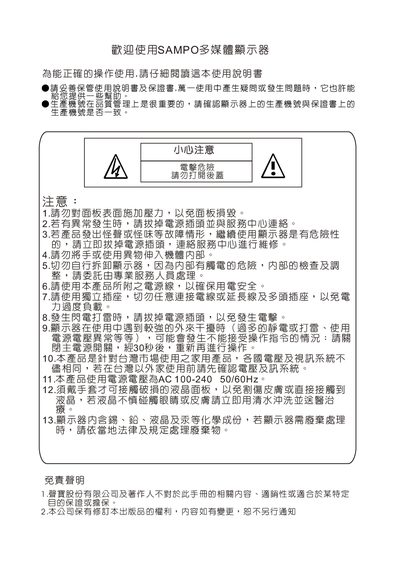

Sampo LM-37HW28/LM-42HW28 Multimedia Display User Manual - cover page
Brand
Sampo
Category
Monitor
Document type
User Manual
Language
ZH-TW
Pages
21
File format
PDF
File size
1.7 MB
Published
19 March, 2012
Updated
29 September, 2023
MD5 checksum
744B96501A4B63B72FC77DE2245D317C

About this manual

This user manual covers the safe operation and setup of Sampo multimedia displays, including models LM-37HW28 and LM-42HW28. It details how to connect the device to computers and other sources using HDMI, RGB, and RS-232 interfaces, as well as how to adjust volume and picture settings via the on-screen menu. This manual is written in Chinese.

What's inside

  • Safety Instructions
  • Package Contents
  • Front View
  • Rear View
  • Connecting to PC
  • Power On/Off
  • Input Selection
  • Volume Adjustment
  • Picture Settings
  • Troubleshooting

Specifications

Power SupplyAC 100-240V 50/60Hz

Frequently asked questions

How do I turn the display on and off?

Press the POWER key to turn the display on; press it again to turn it off and return to standby.

How do I adjust the volume?

Hold the VOL u key to increase volume and the VOL t key to decrease volume.

What is the function of the RS-232 port?

It is an external control interface for firmware updates and synchronizing multiple displays, not for general communication.

Download PDF (1.7 MB)

More Sampo Manuals


View all Sampo manuals →