
This manual is the user manual for the Sampo liquid crystal display. The main contents include safety instructions, warning signs and precautions, and safety instructions. It provides users with relevant information on how to use liquid crystal displays correctly.
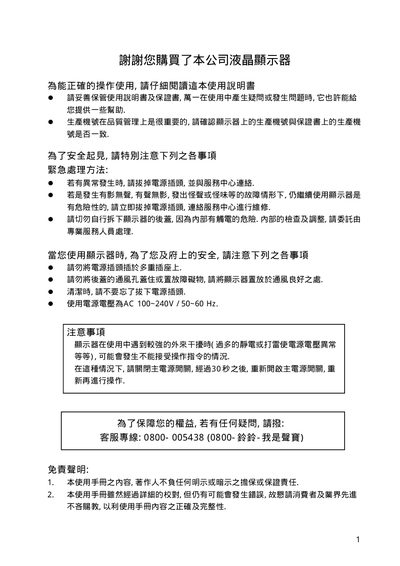
This manual explains safe usage of the Sampo LCD monitors, including warnings about electrical hazards, proper ventilation, and handling of the liquid‑crystal panel. It also details how to connect the monitor to a PC via RGB or VGA, and how to use the built‑in controls for power, volume, input selection, and menu navigation.
Additional sections cover the monitor’s dimensions, optional wall‑mount brackets, power‑indicator LEDs, and a troubleshooting guide for common issues such as no picture, no sound, or abnormal noises. Technical specifications such as power supply voltage and maximum input current are listed at the end of the document. This manual is written in Chinese.
| Power supply voltage | AC 100~240V / 50~60 Hz |
|---|---|
| Maximum input current | 15 A |
| Display size (LM‑20ATN) | Dimensions shown in the LM‑20ATN size diagram |
Turn off the main power, wait about 30 seconds, then turn the power back on and try again.