
This document provides information on the safe usage, packaging list and accessories, connection methods, basic operations, menu adjustments, troubleshooting, etc. of the multimedia display.
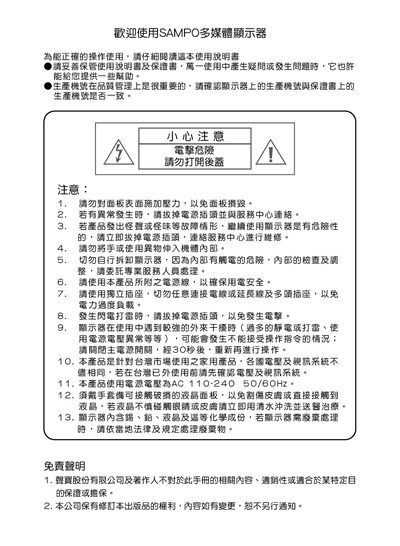
This manual explains safe handling, warranty information, and basic precautions for the Sampo LM-32S1A multimedia display. It covers proper storage of the guide, power‑supply safety, and what to do in case of abnormal operation or external interference.
It also details how to connect the display to a PC or DVD player, explains the on‑screen display (OSD) menu, image‑adjustment functions, and provides the full technical specifications of the 32‑inch LCD panel. This manual is written in Chinese.
| Model Name | LM-32S1A |
|---|---|
| Display Size | 32 inches |
| Aspect Ratio | 16:9 |
| Resolution | 1366 × 768 |
| RGB Input (D‑type) | 1 connector |
| Video Input (RCA) | 1 connector |
| S‑Video Input | 1 connector |
| Audio Input (RCA L/R) | 2 connectors |
| PC Audio‑in | 1 connector |
| Earphone Output | 1 connector |
| Speaker Output Power | 10 W × 2 |
| Operating Voltage | 100‑240 V ~ 50/60 Hz |
| Maximum Power Consumption | 150 W |
| Standby Power | 5 W |
| Weight (without stand) | 13 kg |
| Weight (with stand) | 14 kg |
Turn off the main power, wait about 30 seconds, then turn it on again.
Use the computer’s 15‑pin D‑SUB analog RGB output and connect it to the RGB input on the back of the display.
Use a DVD player that provides Y/Pb/Pr connectors for the highest image quality.
Select the scaling option in the OSD; the 4:3 image will be proportionally enlarged to fill the 16:9 screen.