
The 43PP8420 43PP8421 50PP8421 is a liquid crystal television product launched by Philips, supporting 100Hz, 60Hz, 1080i, 480p, 50Hz, 576p, DVD, S-YPbPr, S-Video, Y, C, CVBS and other functions, with Active ControlTM, APACTM, APAC, Dolby*Virtual Surround, Moire, CTI, 16:9, 4:3, Incredible SurrondTM, AVL, Easy TuneTM, Smart Surf and other features.
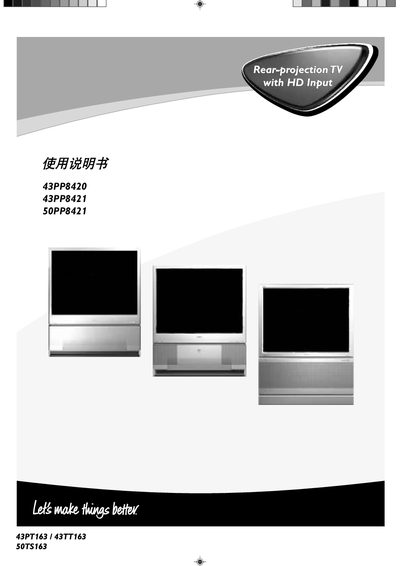
This manual provides step‑by‑step instructions for installing and operating Philips 43PP8420, 43PP8421 and 50PP8421 television sets. It explains how to connect antennas, HDMI, component and other inputs, and how to use the on‑screen menu to adjust picture and sound.
Key features covered include picture modes such as 1080i, 480p, 60 Hz and 50 Hz, audio options like Dolby Virtual Surround, and advanced functions like Picture‑in‑Picture (PIP) and Smart Surf. The document also lists the physical dimensions and technical specifications of each model.
| Screen size | 109 cm |
|---|---|
| Supported video formats | 1080i, 480p, 60 Hz, 576p, 50 Hz |
| Audio inputs | L/R audio |
The TV supports 1080i, 480p, 60 Hz, 576p and 50 Hz video formats.
Connect the antenna to the "ANTENNA IN 75" socket on the rear panel.