
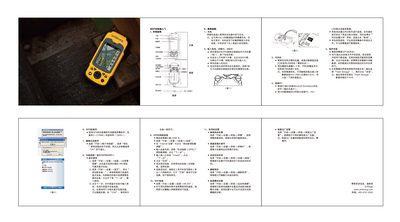
The MG758 is a compact handheld GPS device with built‑in camera, speaker and external antenna connectors. This guide provides a fast‑track introduction to the device’s external layout and basic operation.
Key procedures covered include charging the lithium battery, installing the SIM and TF cards, powering the unit on and off, connecting to a PC via USB with ActiveSync, installing applications, and configuring GPS, camera, Bluetooth, GPRS and Wi‑Fi connections as well as screen and power‑saving settings. This manual is written in Chinese.
Insert the lithium battery into the supplied charger, or connect a mini‑USB data cable to charge the device.
Install Microsoft ActiveSync on the PC, then connect the device with the USB cable; the system will recognize it and open the synchronization wizard.
Open Start → Settings → Connection → Wireless, activate the Bluetooth option, add a new device, and enter the pairing password.
Select Start → Settings → Connection → WLAN, choose the desired network from the list, and enter the network key when prompted.