
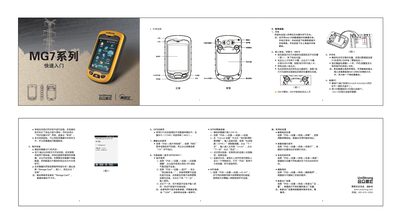
The UniStrong GM7 is a handheld data collector equipped with a lithium‑ion battery, TF card slot, SIM card slot, GPS, Bluetooth, Wi‑Fi and a built‑in camera. This guide provides the essential steps to get the device up and running quickly.
It covers charging the battery, inserting the battery, TF card and SIM card, powering the device on and off, installing applications, using the camera, configuring wireless connections (Bluetooth, GPRS, Wi‑Fi), adjusting screen backlight, setting automatic power‑off timers, deleting programs, and restoring factory settings. This manual is written in Chinese.
| Total storage space | 3589 KB |
|---|---|
| Available storage space | 120956 KB |
| COM port | COM8 |
| Baud rate | 9600 |
Insert the lithium battery into the supplied charger or connect the device to a PC with a mini‑USB cable; the screen shows a charging icon while charging.