
EIZO ScreenSlicer is a screen splitting software that can divide the screen into multiple areas and run different programs in each area. The software supports a variety of split-screen modes to meet the needs of different users.
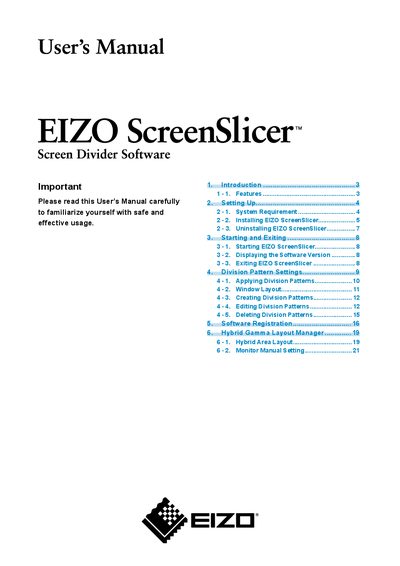
The ScreenSlicer software divides a screen and manages multiple windows across one or more monitors. The manual describes the system requirements, supported operating systems and monitor series, and how to configure the software for optimal use.
It covers installation from the CD or download, registration, basic operation such as starting, exiting, and applying division patterns, as well as advanced features like the Hybrid Gamma Layout Manager and monitor manual settings.
| Supported Operating Systems | Windows XP SP3 (32‑bit), Windows Vista SP2, Windows 7 (32/64‑bit) |
|---|---|
| Supported Monitor Series | FlexScan, ColorEdge, RadiForce, FORIS (except certain models) |
ScreenSlicer runs on Microsoft Windows XP Service Pack 3 (32‑bit), Windows Vista Service Pack 2, and Windows 7 (both 32‑bit and 64‑bit).
Insert the “EIZO LCD Utility Disk” CD‑ROM, open the startup menu, select the Software tab, and click “EIZO ScreenSlicer” to begin installation.
Open Control Panel → Programs → Uninstall a Program, select “EIZO ScreenSlicer” from the list, and click “Uninstall”.
Click Start → All Programs → EIZO → EIZO ScreenSlicer to launch the program again.