
This manual introduces the safety instructions for using DVD-V5500, including grounding, avoiding electric shock, unauthorized recording, product cleaning and maintenance
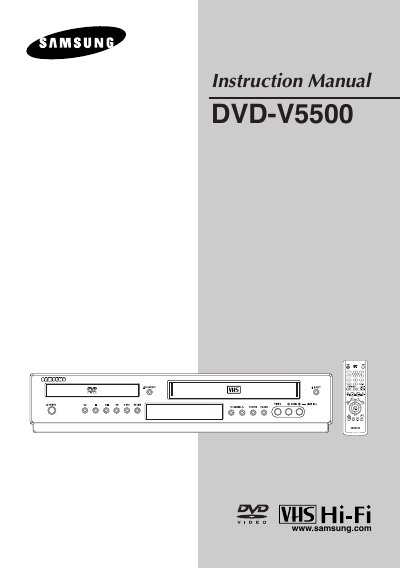
This guide begins with important safety instructions and preparation steps, including battery installation for the remote control and general handling precautions. It then walks you through the initial setup of the unit, covering power connection, antenna and video/audio cabling, and basic menu navigation.
Subsequent sections detail the DVD and VCR operation features, troubleshooting tips, technical specifications, and warranty information, ensuring you can install and use the DVD‑VCR confidently.
| Audio inputs | 2 Stereo audio inputs, RCA Connector |
|---|---|
| Video inputs | 2 Composite video inputs, RCA Connector |
| Power requirement | 120V AC, 60 Hz, 25 watts |
| Weight | 13.8 lbs. |