
This document is a user manual for DVD-V940K, which mainly introduces the interfaces, functions, and usage methods of DVD-V940K
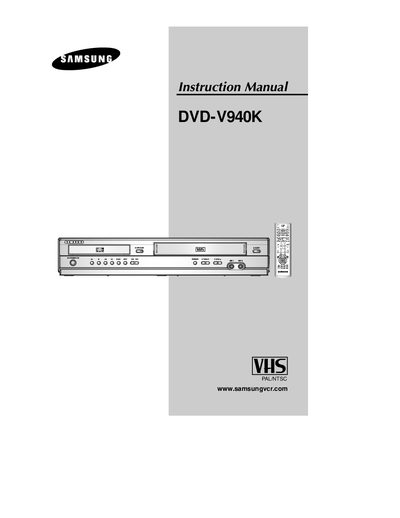
This guide provides step‑by‑step instructions for installing and using the Samsung DVD‑V940K DVD‑VCR. It includes safety precautions, remote‑control battery replacement, and detailed wiring diagrams for connecting the unit to a TV, satellite receiver, or other audio‑video equipment.
The manual also describes DVD‑VCR features such as disc type compatibility, region coding, audio options, karaoke functions, and troubleshooting tips for common playback problems.
| Supported video systems | PAL/NTSC |
|---|---|
| Supported disc types | DVD, Audio CD, Video CD, DVD‑Video, DVD‑Audio, DVD‑ROM (region‑locked) |
Open the battery compartment on the rear of the remote, insert two AAA (or equivalent) batteries respecting polarity, and close the cover.
Make sure the disc is inserted label‑side up, verify the region number matches the player, and use a supported DVD, VIDEO‑CD, or CD rather than a CD‑ROM or DVD‑ROM.