
This is a manual for DVD-V7500K, a product of Samsung. The manual provides information on the product's features and specifications, as well as instructions on how to use it.
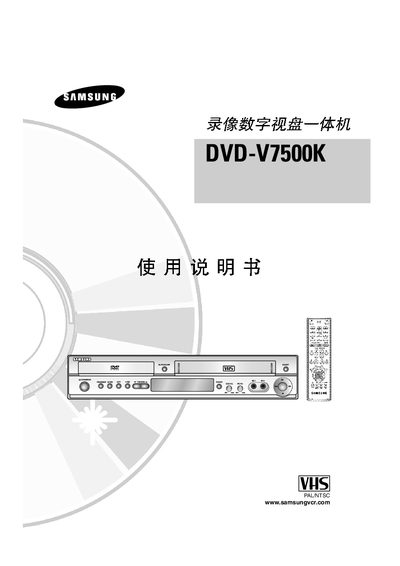
This manual covers safety precautions, installation steps, and detailed operation of the Samsung DVD‑V7500K all‑in‑one DVD/VCR. It explains how to insert discs, use the remote, connect audio/video outputs, and access special functions such as DVD‑VHS playback, OK‑mode, and subtitle settings.
The document also lists supported disc formats, audio codecs, video standards, and troubleshooting tips for common playback issues. All instructions are presented in Chinese with occasional English labels for buttons and ports. This manual is written in Chinese.
| Supported Disc Types | DVD‑R, DVD+R, DVD‑RW, DVD+RW, CD‑R, CD‑RW (audio only) |
|---|---|
| Operating Temperature Range | 5 °C – 40 °C |
No. The manual states that you cannot place two discs in the tray simultaneously.