
The content of the document is the button labels of a control panel for an electronic product. The product has multiple function buttons, including play, stop, rewind, volume adjustment, etc.
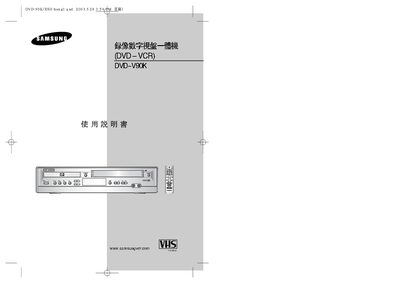
This manual explains how to connect the DVD‑VCR to a TV or audio system using RCA or coaxial cables, how to load DVDs, CDs, VCDs and SVCDs, and how to use the remote control functions such as play, stop, record, and karaoke mode. It also covers safety precautions, environmental limits, and basic maintenance.
Additional sections detail the technical specifications, power requirements, dimensions, and troubleshooting steps for common playback and recording issues, as well as contact information for Samsung service support. This manual is written in Chinese.
| Power Supply | 110‑240 V, 50/60 Hz |
|---|---|
| Weight | 38 kg |
| Dimensions | 430 mm × 265 mm × 94 mm |
| Operating Temperature | +5 °C ~ +35 °C |
It operates on a universal power supply of 110‑240 V at 50/60 Hz.
Use the coaxial cable for video and RCA cables for audio, connecting the corresponding jacks on the back of the DVD‑VCR to the TV.
The DVD‑VCR can be used in environments from +5 °C to +35 °C.