
This DVD-V6500 is a DVD player produced by Samsung. It supports PAL and NTSC standards. It can play DVD, CD-R/RW, DVD-R/RW and other formats of optical disks. It can also record and playback TV programs.
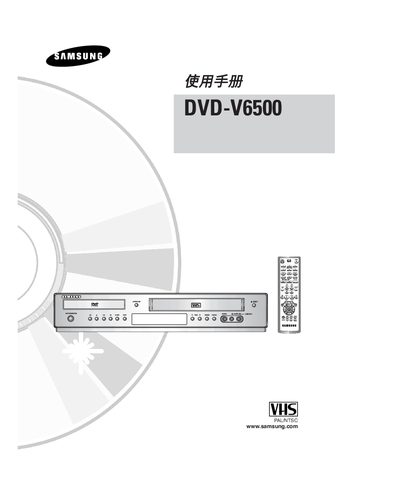
This manual covers the basic operation of the Samsung DVD-V6500 DVD VCR, including the layout of front‑panel buttons, remote‑control functions, and how to navigate the on‑screen menus. It also describes the supported audio and video formats and provides troubleshooting tips.
Additional sections explain setup procedures, such as connecting audio/video cables, using the EZ VIEW mode, and configuring audio tracks. The document includes a list of supported disc types and the operating temperature range for reliable performance.
| Operating temperature range | 5°C to 40°C |
|---|
Press the STANDBY/ON button on the front panel or remote control.
Select EZ VIEW from the on‑screen menu.
The unit plays CD, CD‑R, CD‑RW, and audio tracks on DVD‑R, DVD‑RW, DVD+R, and DVD+RW discs.
It supports PAL and NTSC video standards.