
This product is a smart socket, which can be controlled by APP to turn the socket on and off, and set timing
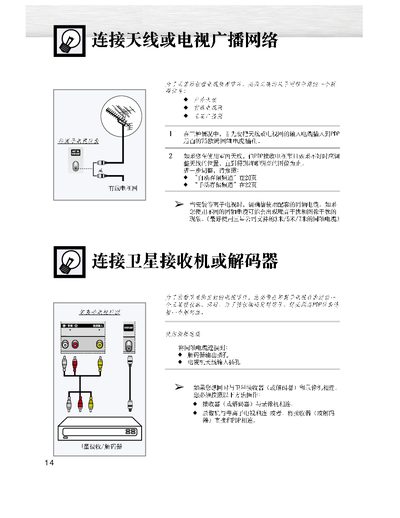
The manual explains how to connect an antenna or cable to the TV, adjust the antenna for clear reception, and power the unit on or off using the remote control. It also covers basic remote functions such as volume, mute, and menu navigation.
Additional sections describe Plug & Play setup, language selection, automatic channel storage (Auto Store), manual channel storage, and how to edit or delete stored channels. Service contact information and production licensing details are provided at the end of the document. This manual is written in Chinese.
| Power frequency | 50 Hz or 60 Hz |
|---|---|
| Production license | XK09-201-3006 |
Connect the antenna or cable to the PDP input and adjust its position until the picture is clear.
Use the channel store button to save the current channel, then you can switch to it later using the stored channel number.